Tbh I wish I would’ve listened when you said that getting an operating system onto the raspberry pi was stupidly easy because… you were right. I immensely regret keeping the damn assessment grade instead of just exerting the little bit of effort it took to run an OS but, we live and we learn. I chose to keep it pretty simple and load Raspbian onto my raspberry pi. To achieve this I plugged my SD adapter into my laptop and downloaded the Raspbian program. Once this was downloaded I needed to flash it. I quickly realized that the program “The Unetcher” completely sucked, so I decided to use the program balenaEtcher instead. This program made my life MUCH less complicated.
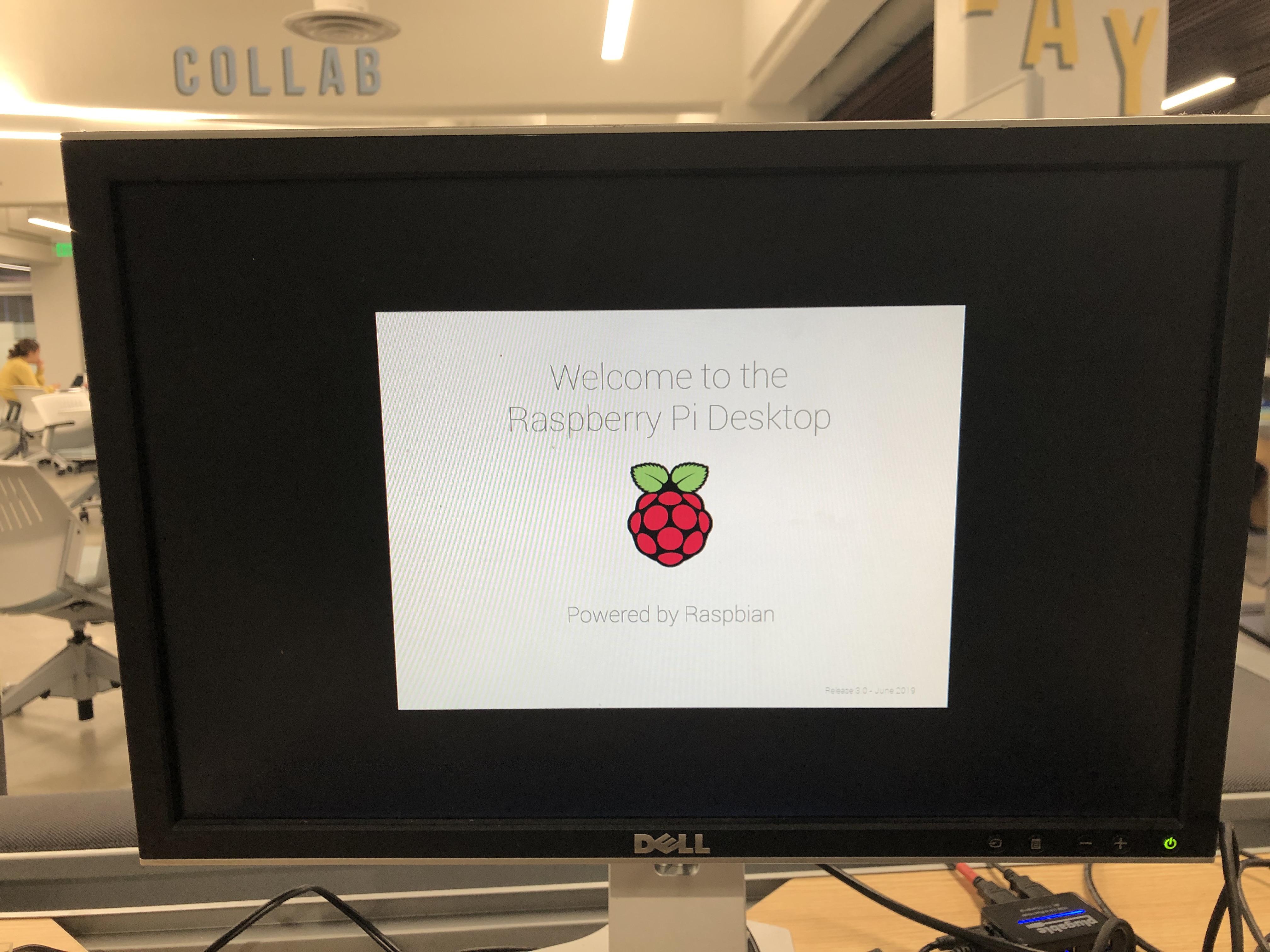
Once the flash was complete I was able to boot Raspbian on the monitor and explore. I messed around with the terminal and even figured out how to manually update the date and time because apparently, the raspberry pi was under the assumption that we were stuck on July 9thinstead of August 1st.
To manually change my date and time I opened the terminal and used the code Sudo date –s “Thu Aug 1 16:14:50 EDT 2019”
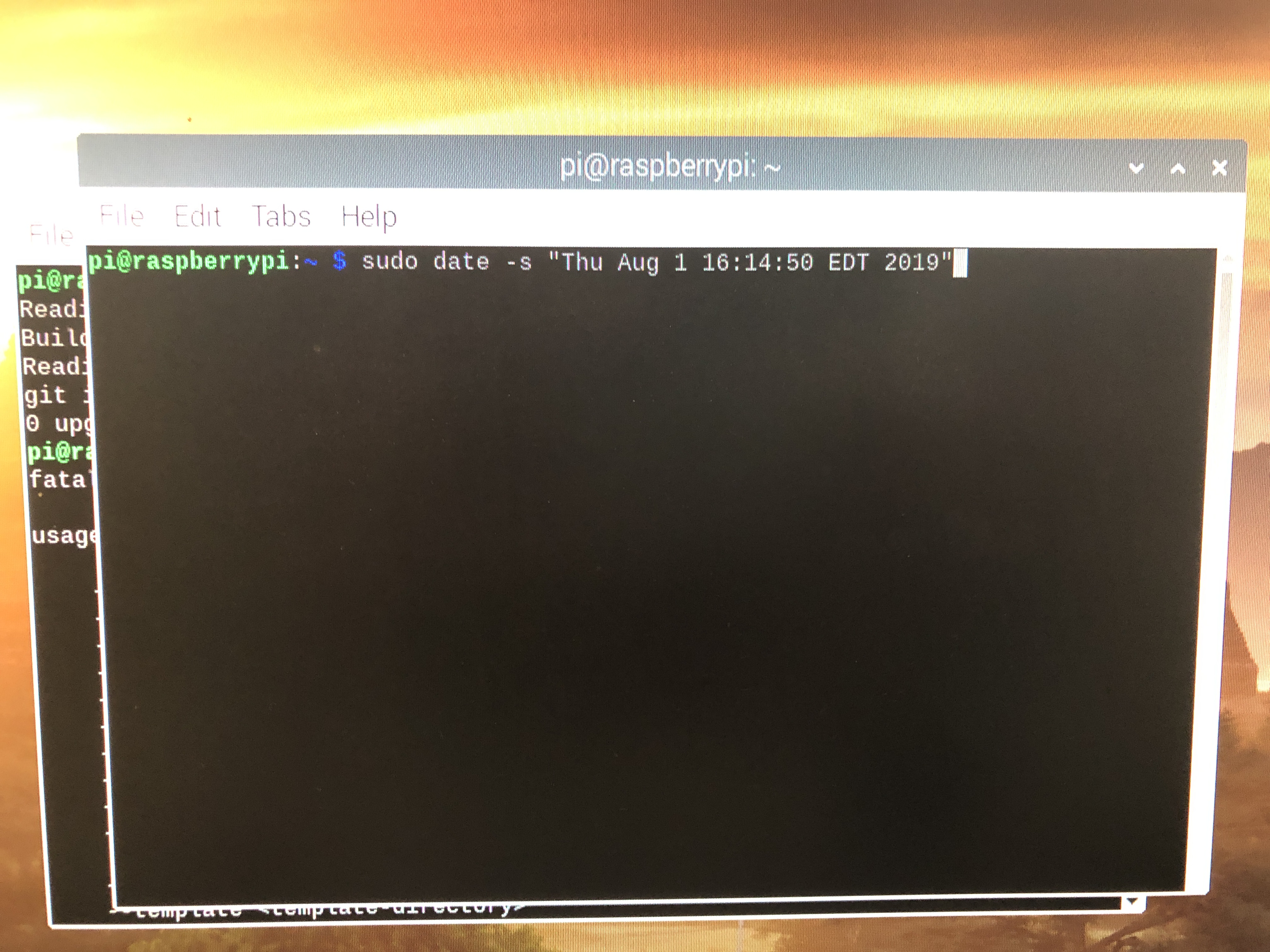
Once I message around with the terminal and figured out how to reboot (using code sudo reboot) I decided I should try to take it a step further.
I attempted to download RetroPie onto my raspberry pi through Raspbian. I tried a few times, and sadly, this was a lot less easy than getting Raspbian onto the pi.
The first step to the madness was changing the local options on the Pi. To do this I used the terminal and the code: sudo raspi-config
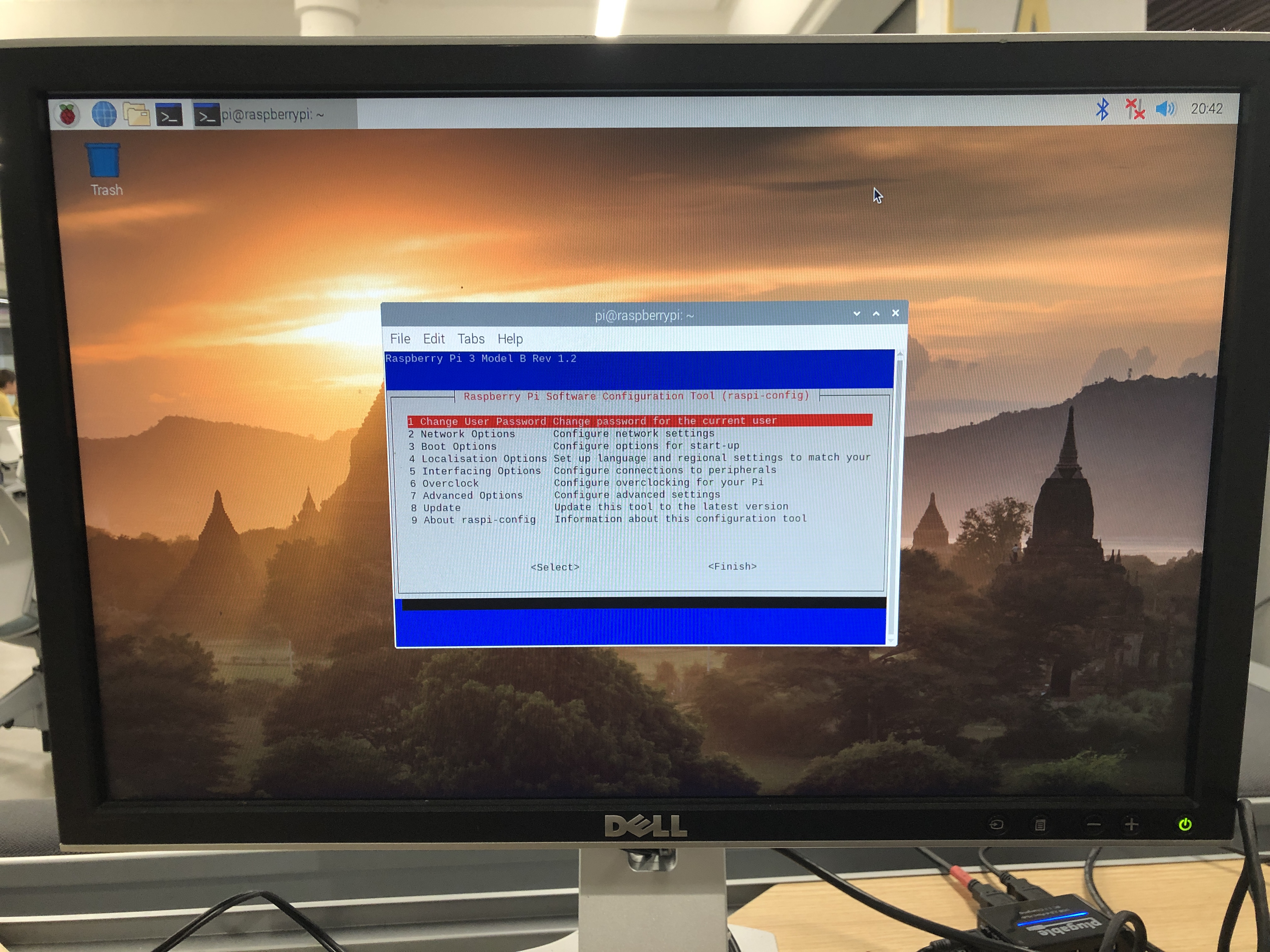
Once there, I chose the 4thoption – Localisation Optionsand then chose option T1 – Change Locale
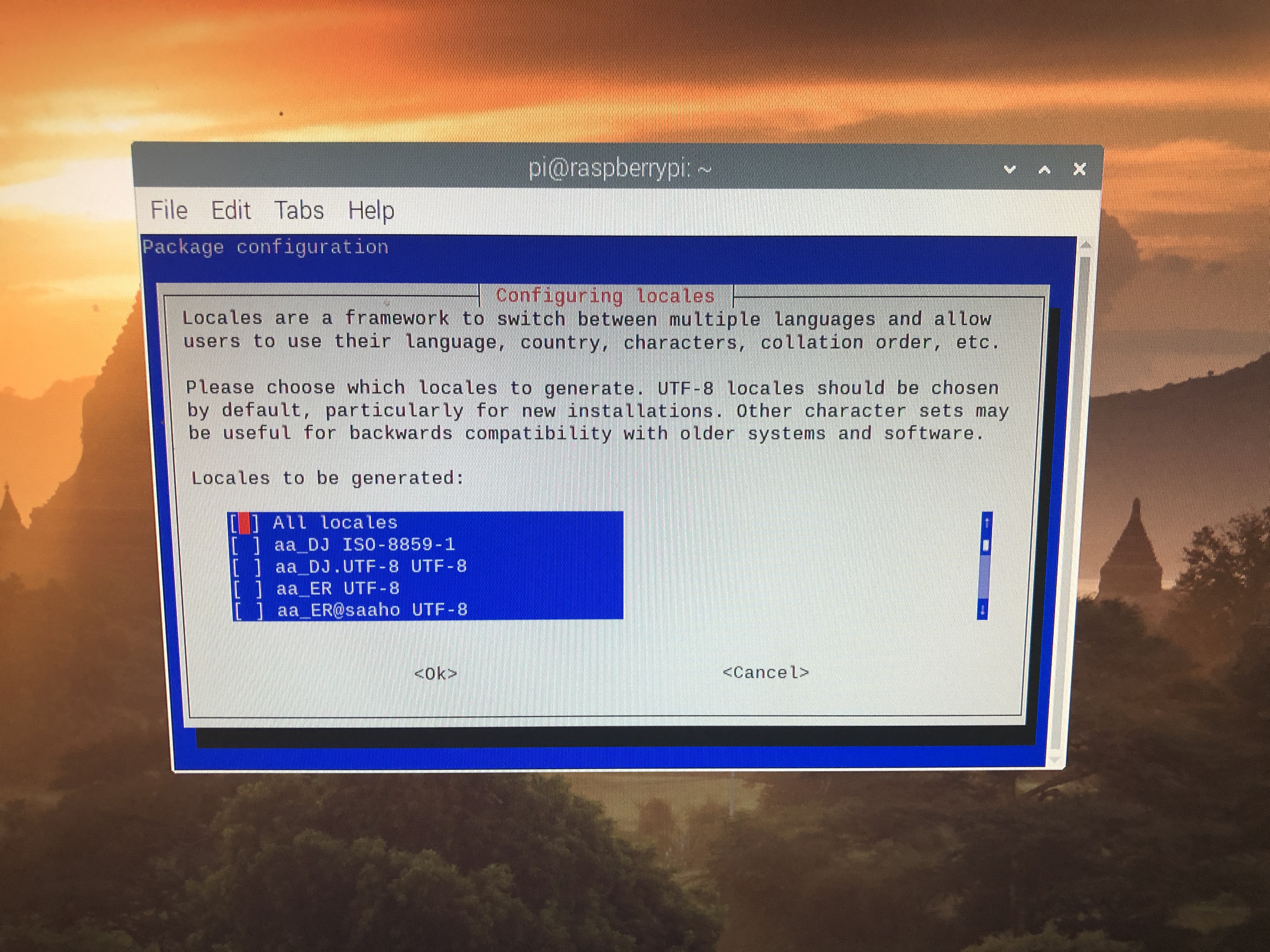
From here, I scrolled down to select – en_ZA.UTF-8 UTF-8
After that was completed, I used sudo reboot to reboot the pi. One the Pi was rebooted, using the terminal I double checked that each parameter was set to en_US.UTF-8 using the code locale in the terminal.
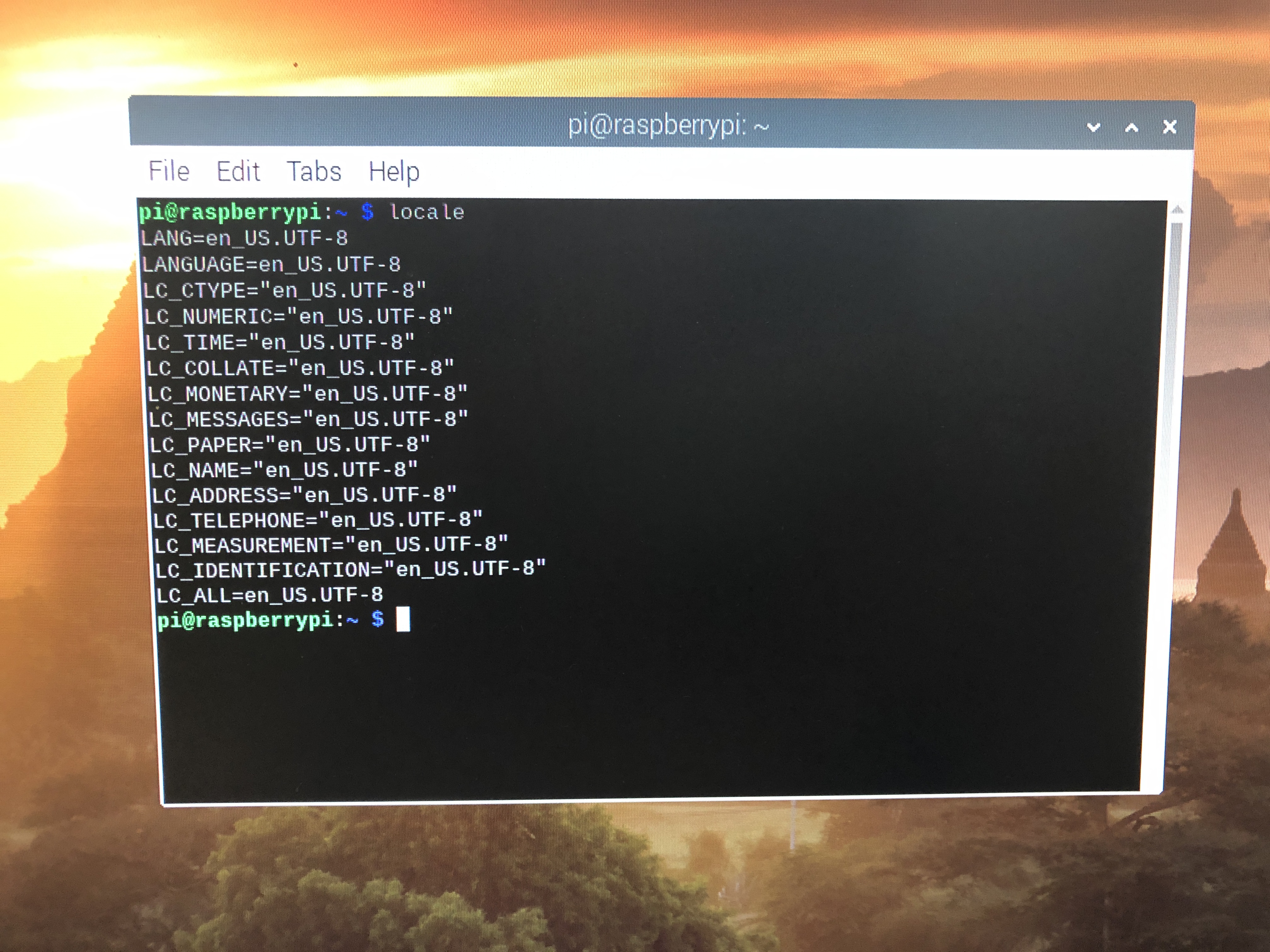
From here, I needed to double check that git was installed in Raspbian so I used code sudo apt install git and found out that it was already installed.
This is where things started to go left. The next thing I needed to do was actually install RetroPie using code git clone https://github.com/RetroPie/RetroPie-Setup.git
Once I typed that in, I received the following error code.
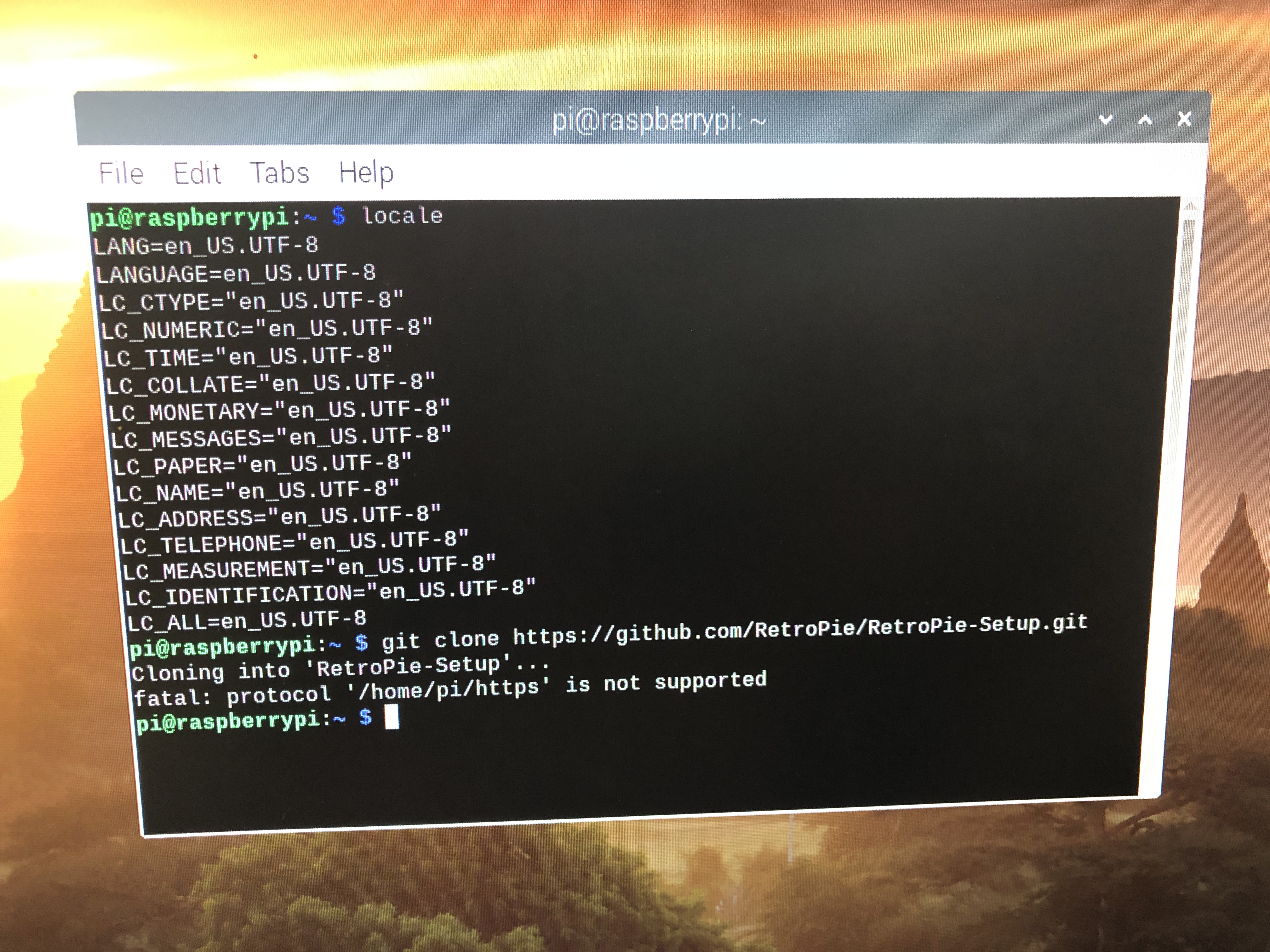
I gave it a try a few more times, but honestly out of sleep deprivation, hunger, and frustration, I gave up and left it at that.
On the bright side, lil technologically stupid me was able to do SOMETHING with this damn Pi.
Also, I am in group C (if you couldn’t already tell lol)
 The Life of a Bad (dumbass) Bitch